01
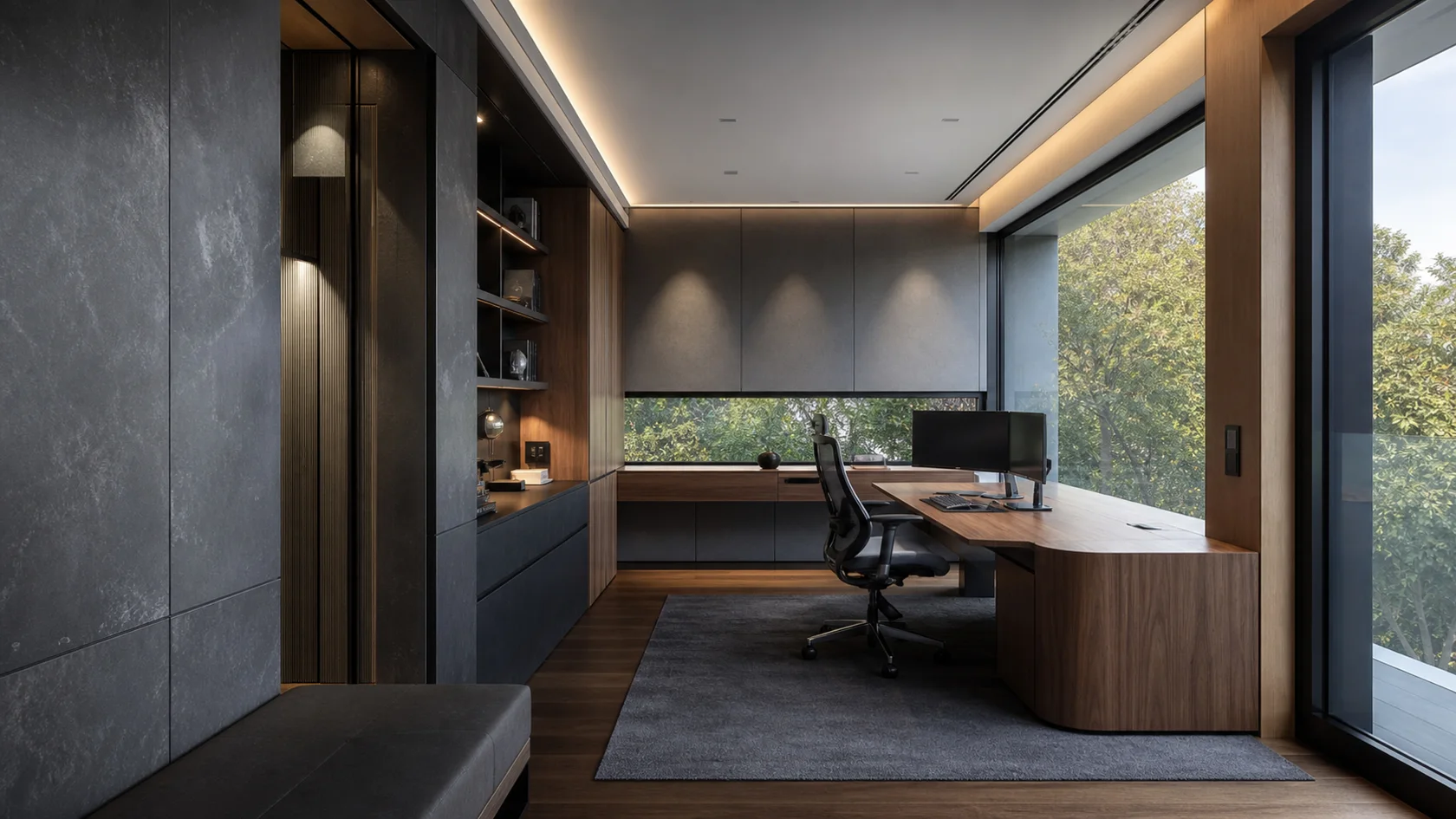
Control Desk
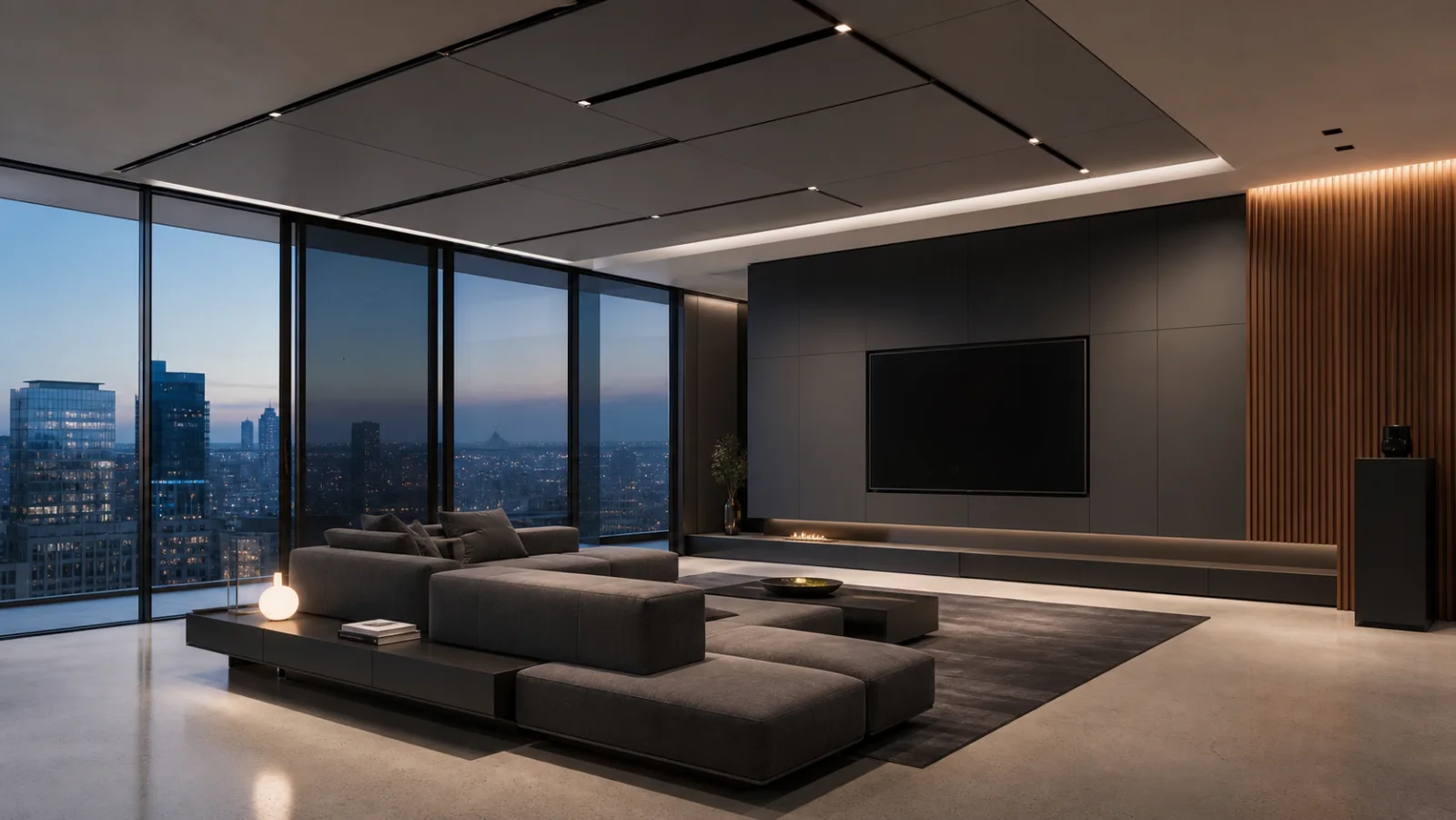
A flush service wall integrates media, ventilation and storage while keeping maintenance access credible. Check desk depth, side daylight and cable storage before treating the composition as finished.
Five genuinely different high-tech approaches to the home office, each built around a new plan, architectural condition or time of day.
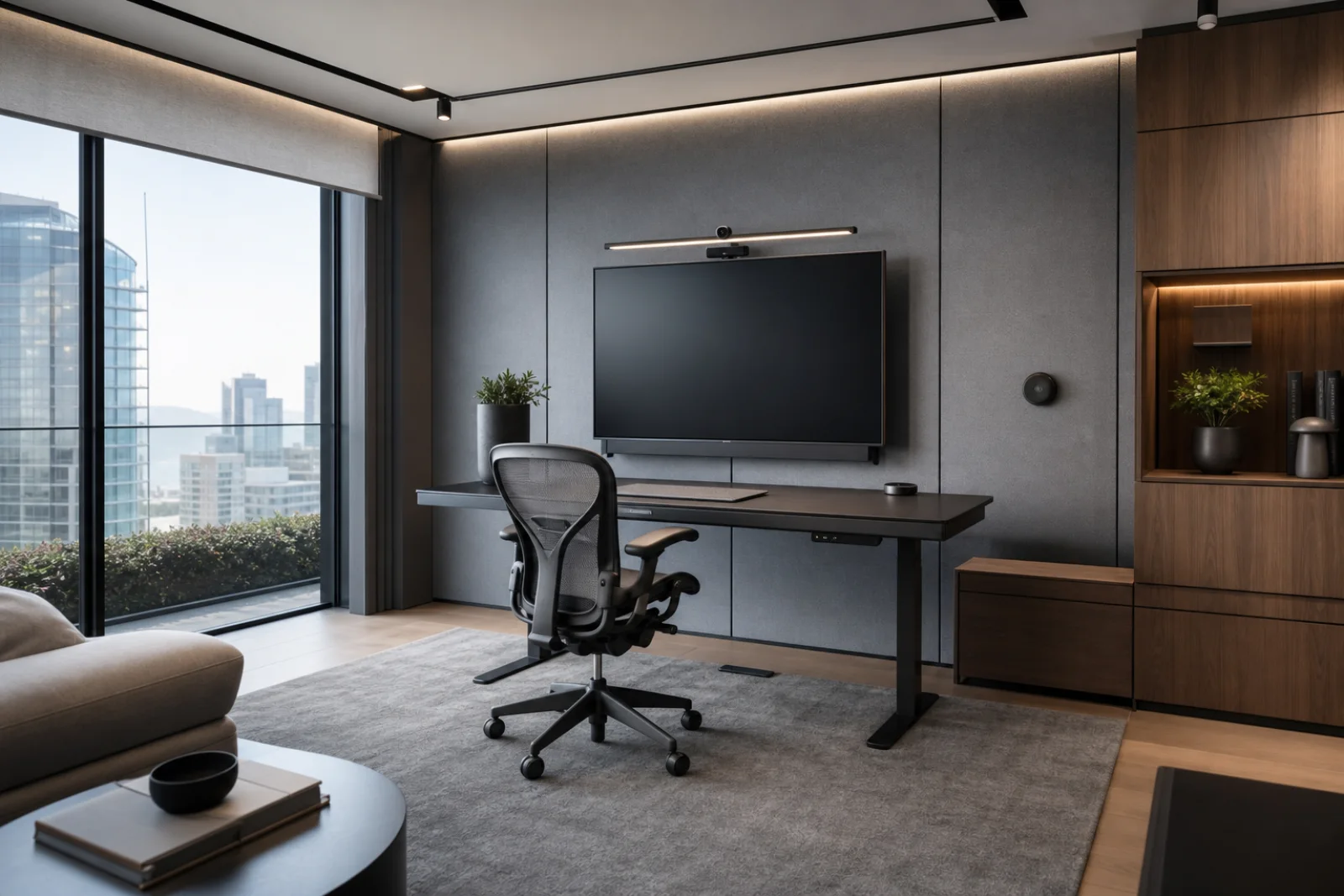
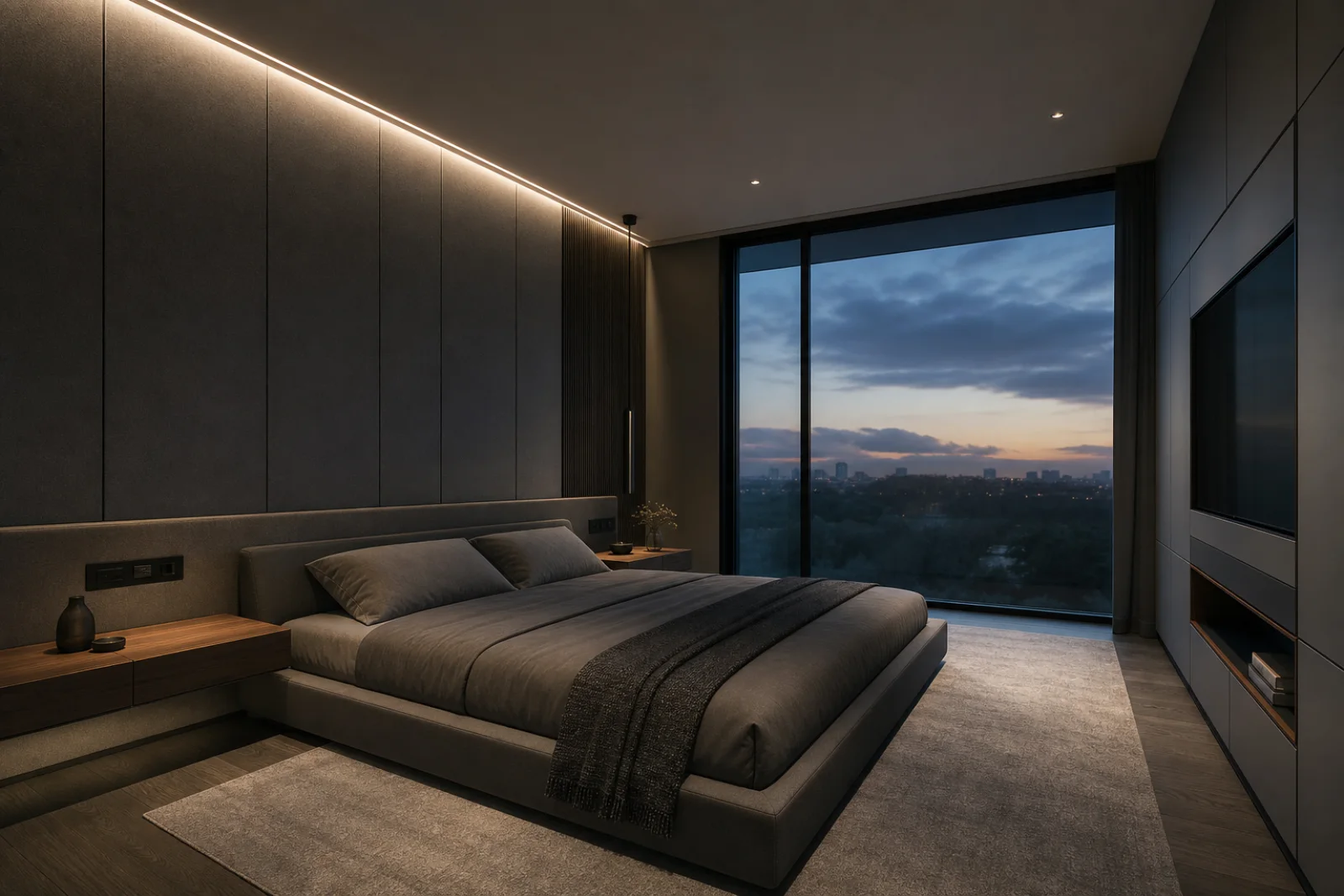
High-Tech treats automation, media, acoustics and climate as invisible infrastructure integrated into precise residential architecture. In the home office, that idea must still support focused work, ergonomic support and storage that controls visual noise.
Prioritize acoustics, monitor ergonomics, charging and adaptable task light; the technology earns its place by reducing friction. Design cable routes, controls, ventilation and access panels before surfaces; technology should simplify the room rather than advertise itself.
Use these examples to choose the version of the style that fits your architecture, light and square footage.
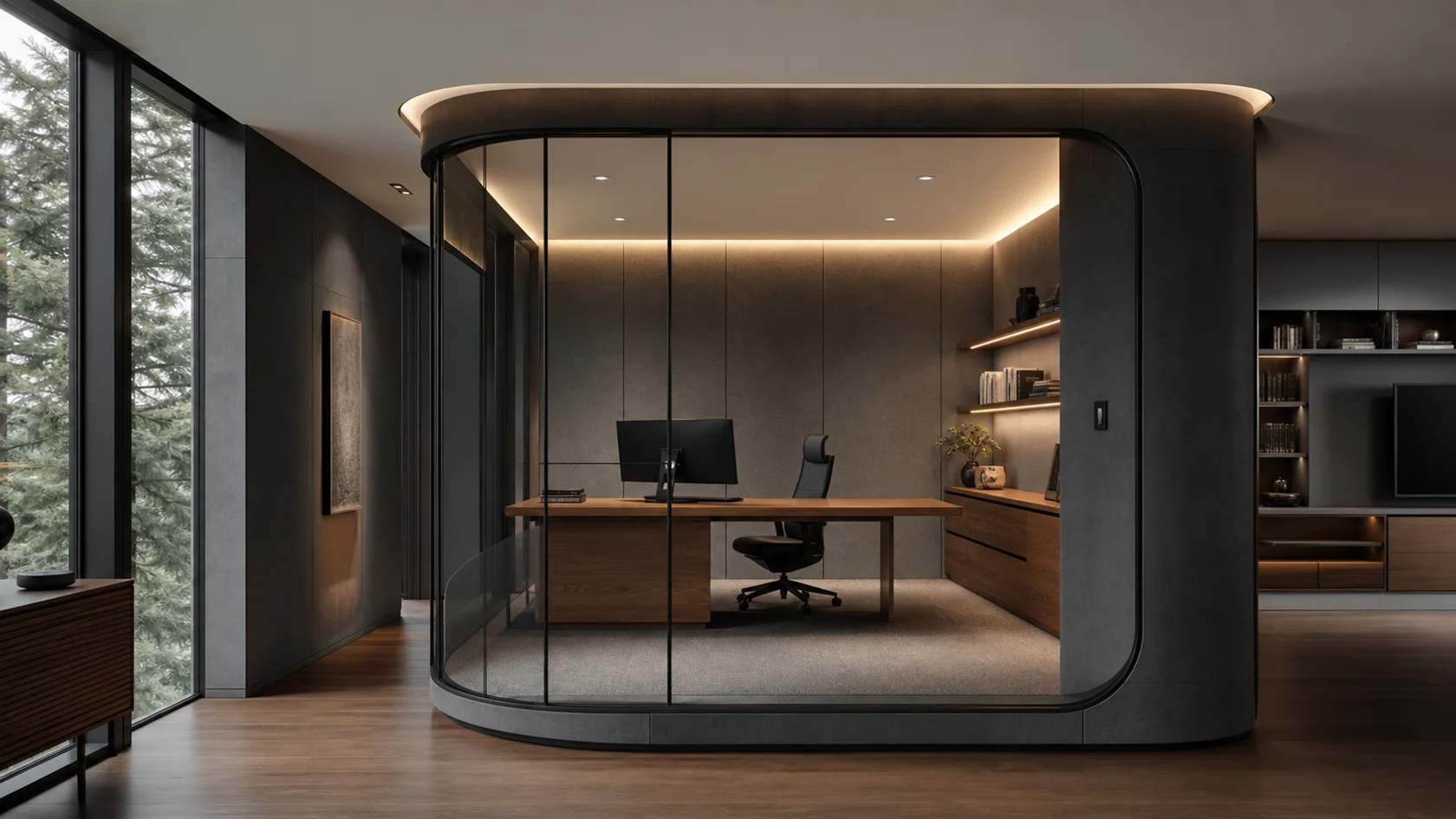
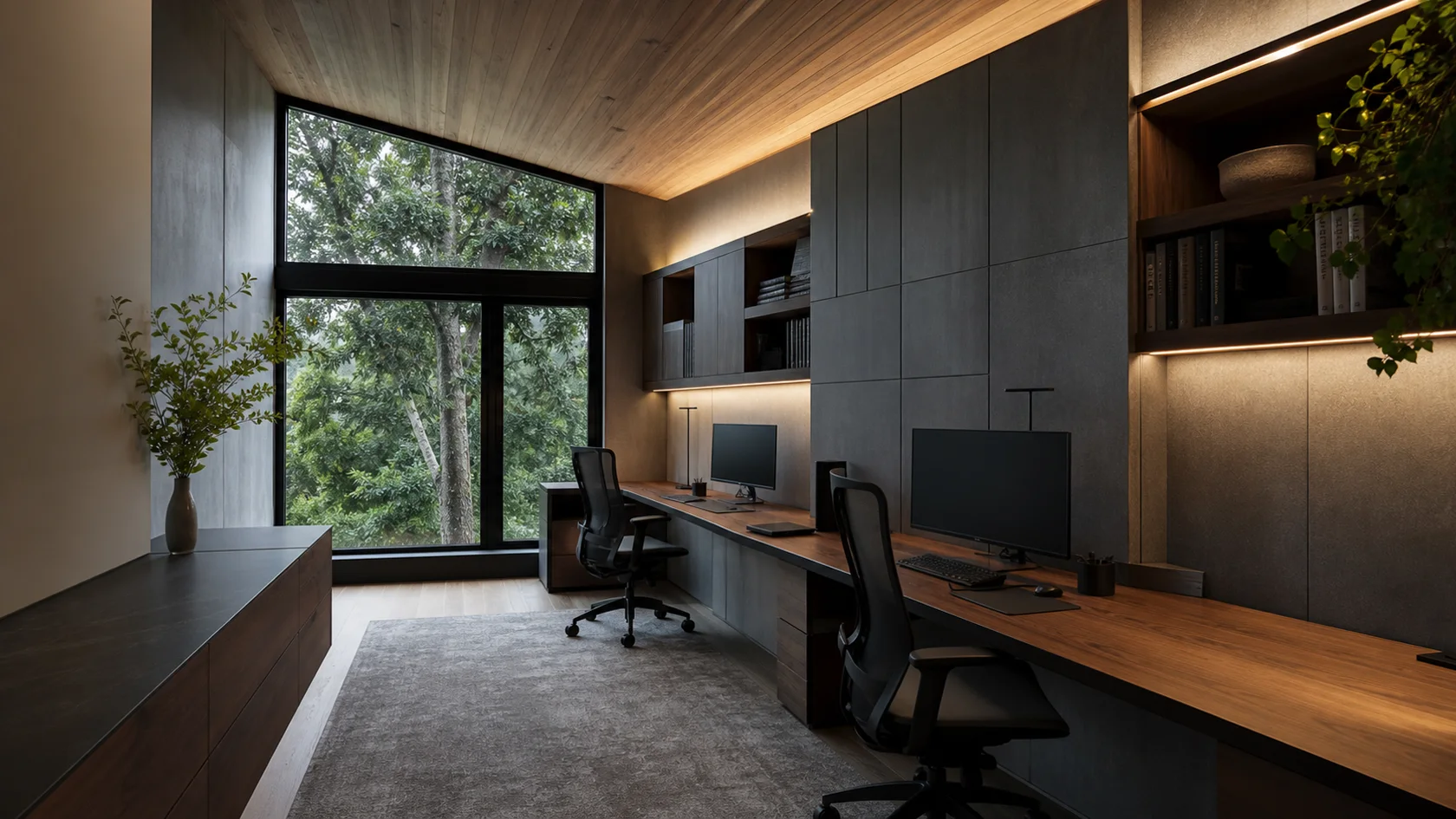
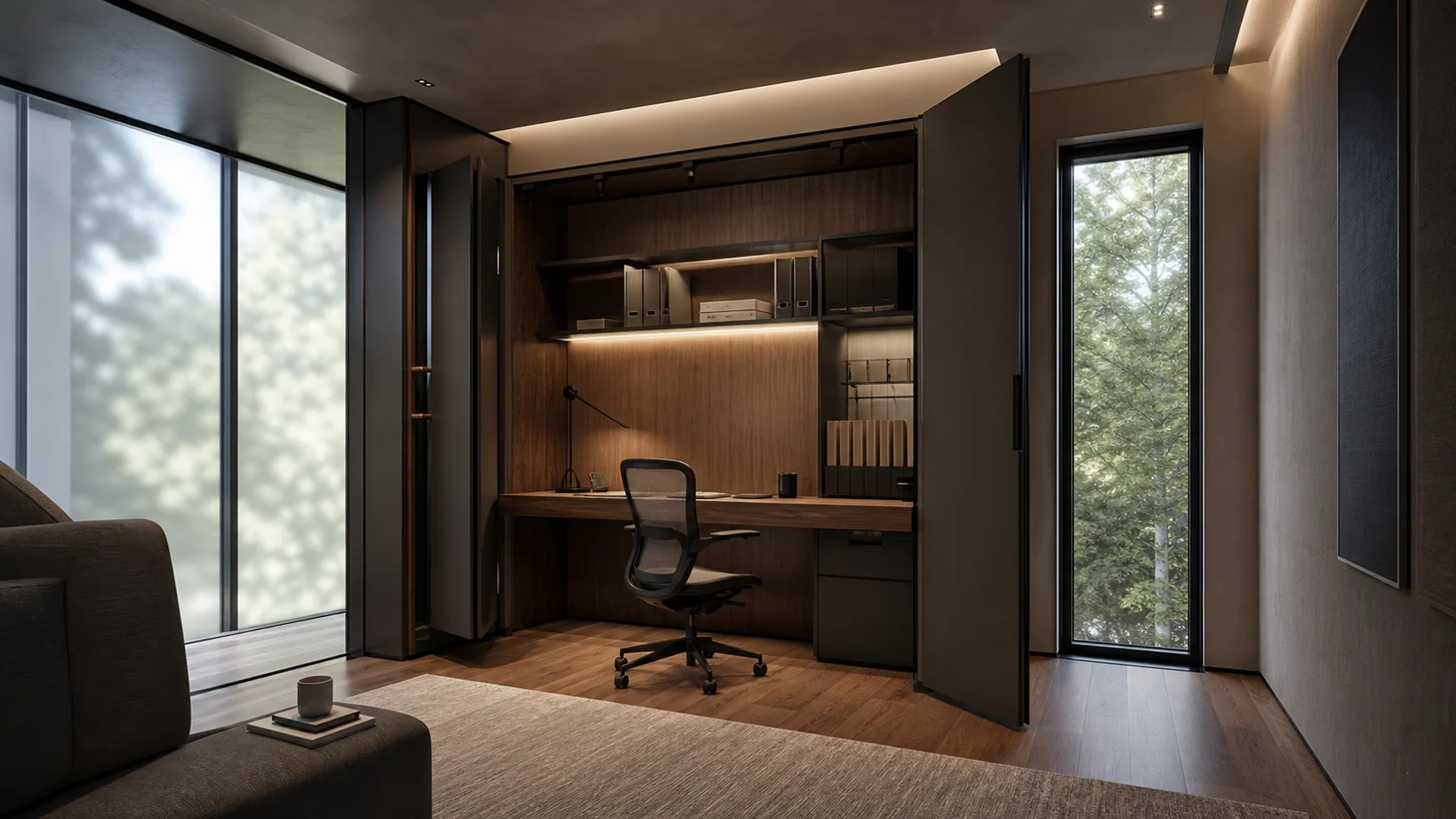
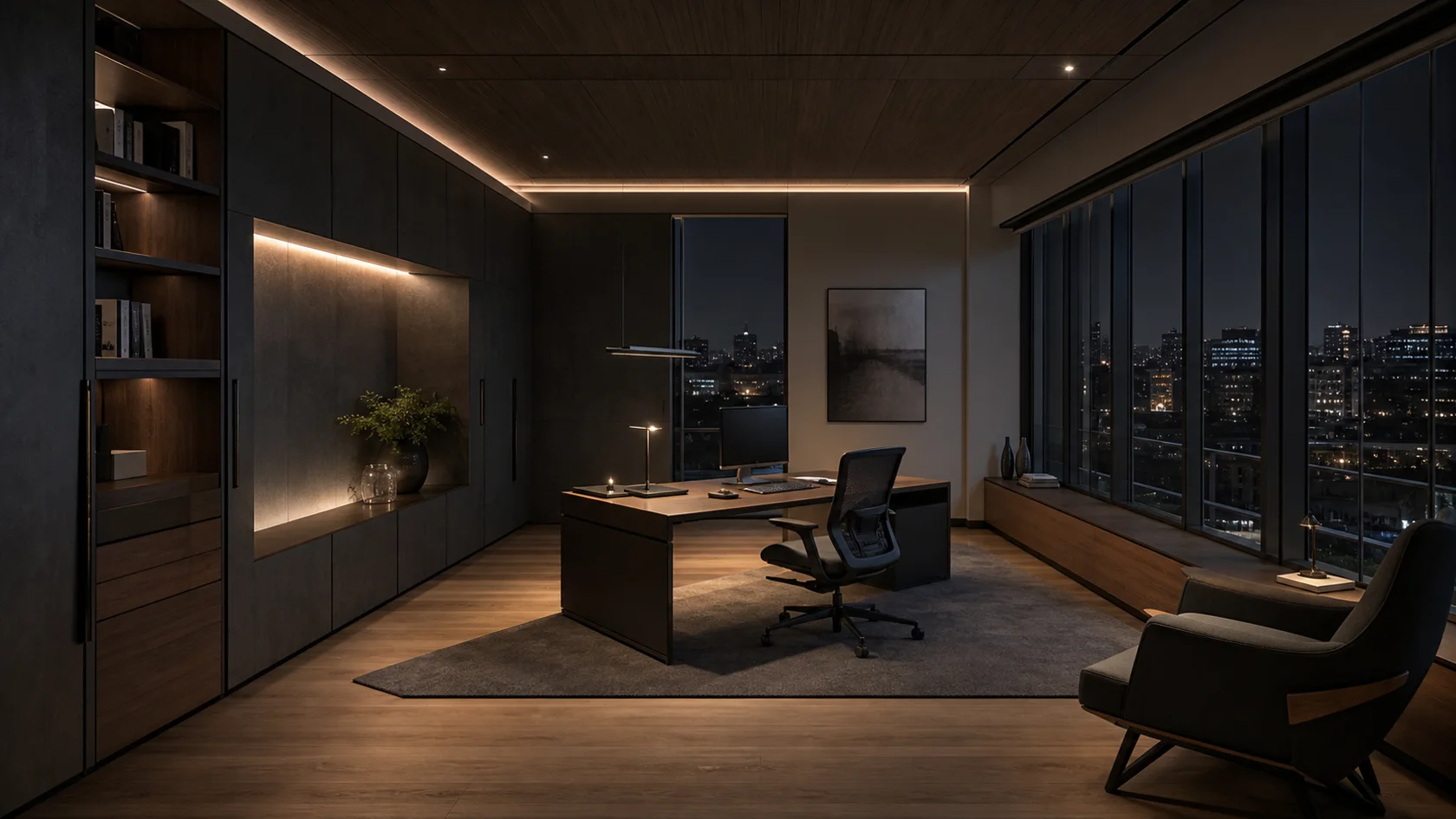
Use the style where it helps the room work: seating, circulation, focal point and material balance.
Side light usually gives useful illumination without placing a bright window directly behind the monitor.
Measure the monitor, keyboard, task lamp and cable route before deciding desk depth and storage.
Use drawers and cabinets for paper, chargers and supplies; reserve open shelves for a small edited group.
If space allows, add one reading chair or standing surface away from the main desk.
Use dark and metallic values to unify technical elements, then introduce acoustic gray and one warm timber so the room remains comfortable when every screen is off.
The matte structural base for cabinetry, media walls and technical ceiling panels.
A precise mid-gray for frames, tracks, hardware and durable furniture components.
Allows inactive displays and control surfaces to recede into darker planes.
A softer textile value that reduces echo and breaks up metal and glass.
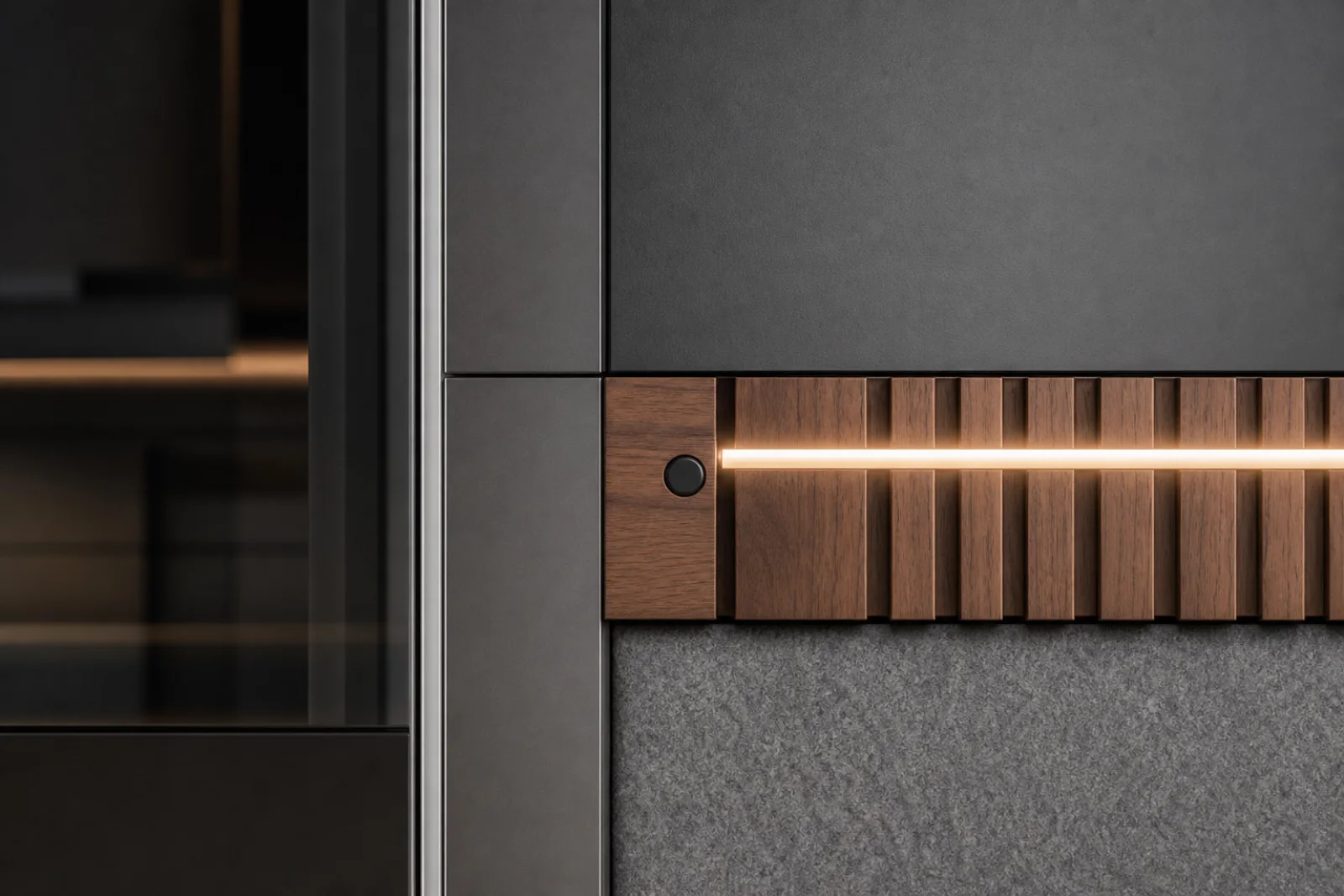
Use in one niche or slatted plane to keep the technical palette residential.
Soft graphite, mineral gray and warm white keep technical planes legible without creating a laboratory.
Walnut, saddle leather or dense wool should counter aluminum, glass and composite surfaces.
Screens and controls work best as dark, flush elements that disappear when inactive.
Use tunable indirect white light for tasks and atmosphere; avoid colored LED outlines as decoration.
For this room, a few strong choices can carry the style better than adding more decor.
Prioritize acoustics, monitor ergonomics, charging and adaptable task light; the technology earns its place by reducing friction. Choose this work surface by real dimensions, comfort and maintenance needs before judging its finish.
Design cable routes, controls, ventilation and access panels before surfaces; technology should simplify the room rather than advertise itself.
Design cable routes, controls, ventilation and access panels before surfaces; technology should simplify the room rather than advertise itself.
Design cable routes, controls, ventilation and access panels before surfaces; technology should simplify the room rather than advertise itself.
Use these checks to keep the high-tech character clear without compromising how the home office works.
Allow enough depth for equipment and forearm support rather than choosing only by silhouette.
Turn the desk perpendicular to strong daylight or add an adjustable shade.
Combine a limited display zone with closed files and cable management.